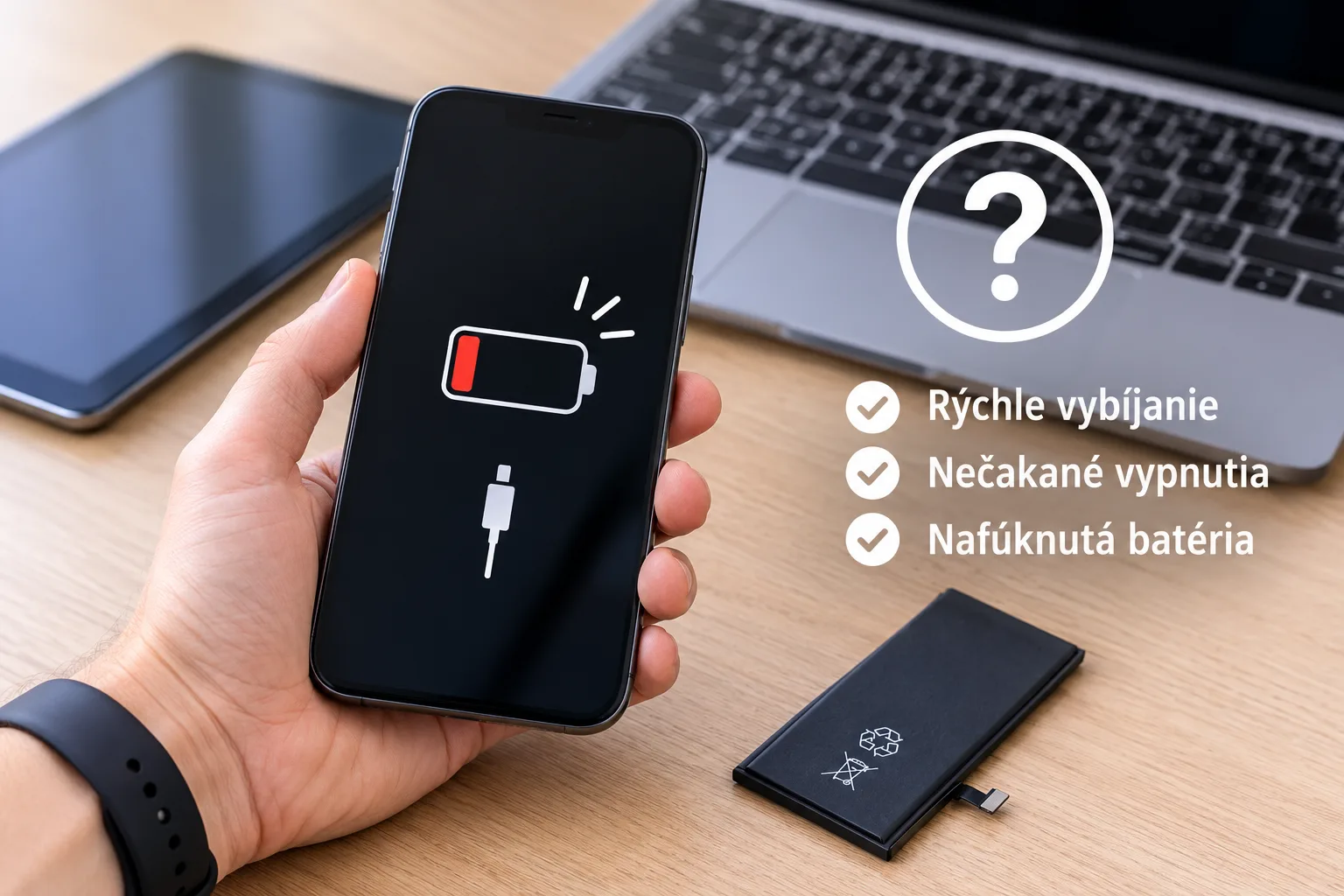
Every rechargeable battery gradually wears out with use. If your phone, tablet or laptop no longer holds its charge as well as it used to, it may be time to check the battery. But how can you tell when your phone battery needs replacing? There are several warning signs that can help you identify the problem before it affects your everyday use.
1. Your phone battery drains much faster than before
One of the most common signs of a worn battery is noticeably shorter battery life. If your phone used to last an entire day but now needs charging in the afternoon, its battery may have lost some of its original capacity.
Look out for these symptoms:
- The battery drains quickly during normal use.
- The battery percentage drops unusually fast.
- Your phone loses charge even when you are barely using it.
- You need to charge your device several times a day.
- Battery life becomes even shorter when using games or demanding applications.
However, rapid battery drain does not automatically mean that the battery needs replacing. Background applications, system updates, poor mobile signal or software issues can also increase power consumption.
Before arranging a replacement, it is worth checking which applications and processes are using the most energy.
2. How to know when your phone battery needs replacing by checking battery health
Most modern smartphones provide information about battery condition directly in their settings. This can help you understand how much your battery has deteriorated.
iPhone
On an iPhone, open:
- Settings.
- Battery.
- Battery Health & Charging.
Here you can check the battery's maximum capacity and see whether iOS displays any service recommendations.
If your iPhone shows a service warning or recommends battery servicing, it is a good idea to have the device inspected.
Samsung and Android
Samsung users can check their device using the Samsung Members application, which includes a diagnostic function for the battery.
On other Android phones, battery health information depends on the manufacturer and model. Some devices provide more detailed information than others.
Keep in mind that the battery health percentage does not always tell the whole story. A battery can sometimes behave unpredictably even when the system does not display a critical warning.
3. Your phone switches off even though it still has charge
Another common warning sign is unexpected shutdowns.
For example:
- Your phone switches off while showing 20 or 30 percent battery.
- The device restarts when you open a demanding application.
- The battery percentage suddenly drops.
- Your phone only turns back on after connecting a charger.
This can happen when a worn battery can no longer provide stable power to the device.
However, the battery is not always responsible. Similar symptoms can be caused by a faulty charging circuit, power management components or a motherboard issue.
That is why proper diagnostics are important before replacing any components.
4. A swollen battery is a warning sign you should never ignore
A swollen battery is one of the most serious battery-related problems. It should never be treated as a cosmetic issue.
Possible signs include:
- The screen starts lifting away from the frame.
- The back cover becomes visibly deformed.
- The phone no longer lies flat on a table.
- A gap appears between the display and the frame.
If you notice any of these symptoms, stop using the device and do not connect it to a charger. Never press the swollen battery, puncture it or attempt to remove it yourself without the proper equipment.
A damaged lithium battery can pose a fire risk. The device should be safely set aside and inspected by a professional as soon as possible.
5. When should you replace a laptop or MacBook battery?
Laptop batteries also lose their original capacity over time. Eventually, you may find yourself keeping the charger connected almost permanently.
Common warning signs include:
- The laptop runs out of charge much faster than before.
- The battery does not charge or charges unusually slowly.
- The operating system displays a battery service warning.
- The laptop switches off immediately after unplugging the charger.
- The laptop case or bottom cover becomes deformed due to a swollen battery.
On a MacBook, you can check battery condition in the system settings. Windows laptops also provide a built-in battery report that can help you understand the battery's condition.
If your laptop is not charging, the battery may not be the problem. A faulty charging connector, charging circuit or motherboard can cause similar symptoms.
A proper inspection can help identify the actual cause and prevent unnecessary replacement.
6. Is replacing the battery worth it, or should you buy a new device?
In many situations, replacing the battery is a sensible option. If your phone or laptop works properly apart from its reduced battery life, a new battery can make a noticeable difference to everyday use.
Before making a decision, consider:
- The overall technical condition of your device.
- Whether a suitable replacement battery is available.
- Whether there are any additional faults.
- The repair cost compared with the value of the device.
At Iršava Tech in Bratislava, we repair iPhones, Samsung and other smartphones, iPads, MacBooks, laptops and desktop PCs. You can find more information about our phone repair service and battery replacement service on our website.
Diagnostics start from €35. Common repairs, including battery and screen replacements, can often be completed while you wait. We provide a 12-month warranty on replacement parts.
You can visit us at Račianske mýto 1D, Bratislava, or contact us by phone or WhatsApp at +421 952 240 671.
Before buying a new phone or laptop, consider having your current device checked. Sometimes, a professional diagnosis and a battery replacement are all you need to get it working comfortably again.