Laptop cleaning and thermal paste replacement
Laptop overheating, loud or slowing down in games? Complete cooling clean with Thermal Grizzly Kryonaut Extreme paste from 48 € — always same day.
Dust in the heatsink and dried-out paste are the most common cause of overheating. The CPU and GPU throttle, fans get loud and the laptop may shut itself down.
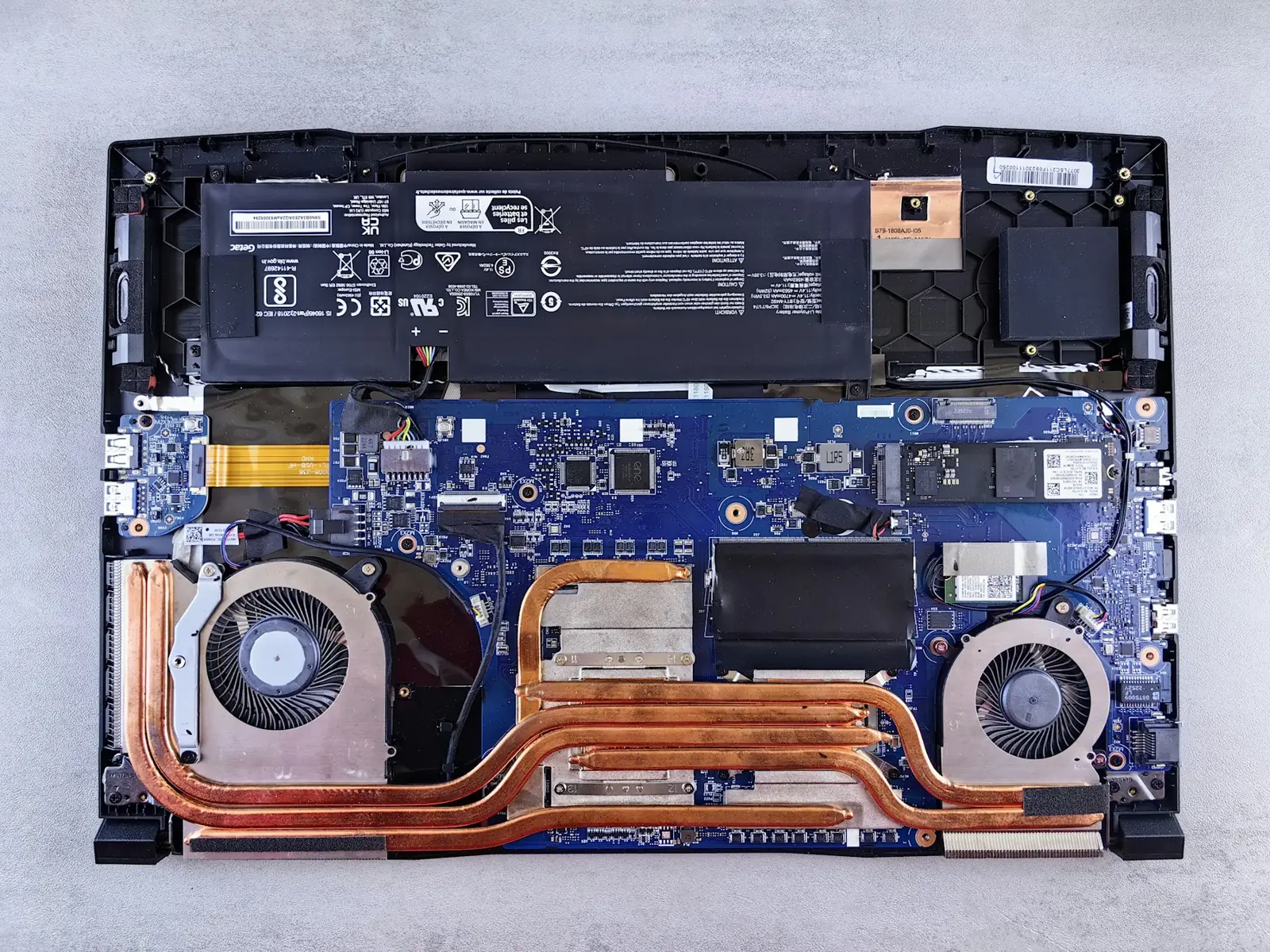
We take the laptop apart, clean the whole cooling system and apply Thermal Grizzly Kryonaut Extreme paste or a Thermal Grizzly phase-change pad. For gaming laptops we also replace the thermal pads with Thermal Grizzly ones; the premium level can also use liquid metal. Cleaning is always done the same day.
When your laptop needs cleaning
- Fans are loud even during normal use
- CPU temperatures go above 90 °C
- FPS drops after a few minutes of gaming
- The laptop shuts down or restarts on its own
- The last clean was more than a year ago
Laptop cleaning and thermal paste replacement
Three levels depending on the laptop type and load. We only use Thermal Grizzly materials, and cleaning is always done the same day.
- Complete cooling system cleaning
- Thermal Grizzly Kryonaut Extreme paste
- Complete cooling system cleaning
- Thermal Grizzly Kryonaut Extreme paste
- Thermal Grizzly thermal pads
- Complete cooling system cleaning
- Liquid metal or Thermal Grizzly phase-change pad
- Thermal Grizzly thermal pads
Laptop cleaning — FAQ
How often should a laptop be cleaned?
Gaming laptops once a year, office laptops roughly every 1.5–2 years.
How long does it take?
Laptop cleaning is always done the same day.
Which paste and thermal pads do you use?
Thermal Grizzly Kryonaut Extreme paste or a Thermal Grizzly phase-change pad, and Thermal Grizzly thermal pads too. We don’t use cheap pastes.
Do you clean MacBooks and PCs too?
Yes — MacBooks and desktop PCs.
Book your repair today
Tell us what happened to your device — we’ll reply with a price and a time.
Send us a message
Tell us what happened to your device. We’ll reply with a price and time as soon as possible.